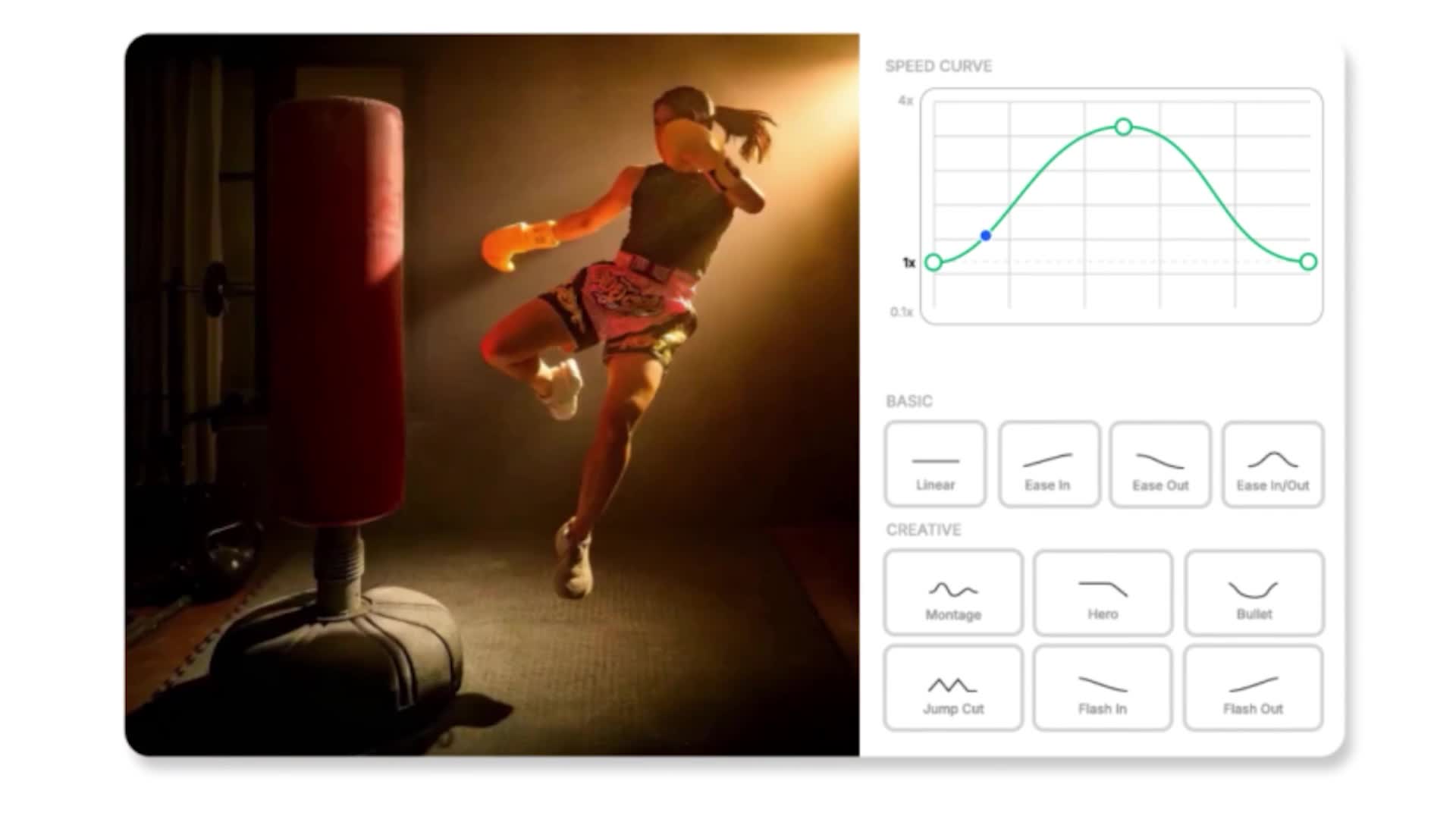
Time Remap
Create cinematic speed ramps and smooth slow motion with 4x frame interpolation. Edit timing curves non-destructively in the web.
Learn More
Create clean masks and isolate subjects in seconds. Click to select, StyleFrame tracks and masks through every frame. Export with alpha channels for seamless compositing.
Get Started for FreeFor most use cases, yes. One-click masking with automatic tracking replaces frame-by-frame rotoscoping. Handles hair, transparent objects, and motion blur better than traditional roto tools. For hero VFX shots requiring perfect pixel accuracy, you may want to refine edges manually.
Click any object to auto-detect it, or use the lasso tool for precise selections. The model propagates your selection across all frames from a single keypoint.
MP4 with alpha channel or PNG image sequence with transparency. Both are standard compositing inputs for After Effects, Nuke, and Premiere.
Yes. The model handles pans, tilts, and handheld motion. The mask stays locked to the subject across the full sequence.
Upload up to 1080p MP4 files, up to 300 frames (about 10 seconds at 30fps). We're working on increasing the limit.
RotoBrush requires manual refinement on nearly every frame and struggles with complex edges. This tool propagates from a single click and handles fine detail - hair, transparency, motion blur - with less cleanup.
Yes. The tool provides both the isolated subject and a clean matte that you can use separately in your compositing workflow.
Loading videos...
Preparing your comparison view