Frames to Video
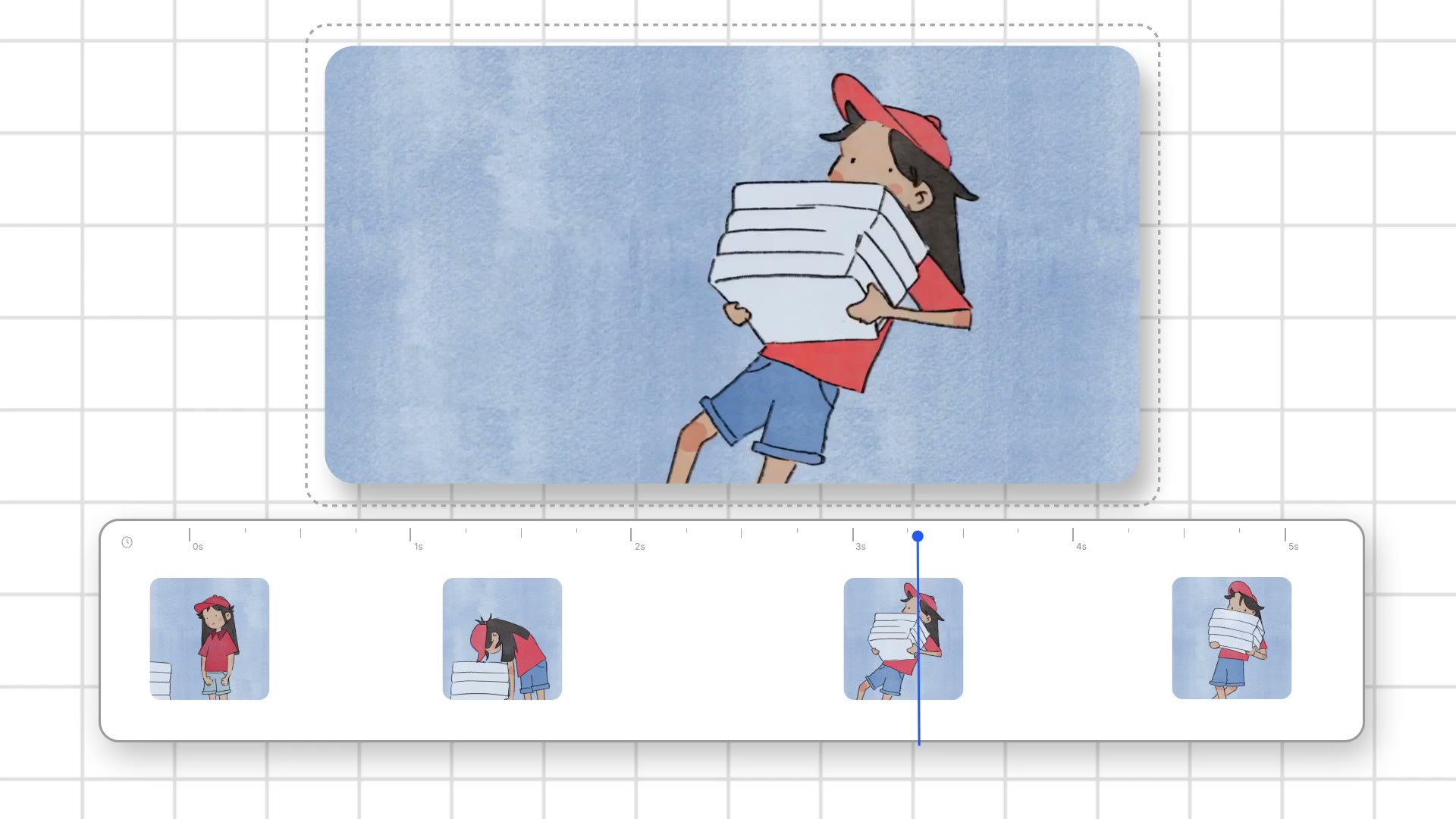
newPlace keyframes on a timeline, add prompt tracks, and control every frame of your animation.
Learn More
Create cinematic speed ramps with 4x frame interpolation.
Edit timing curves non-destructively in the browser.
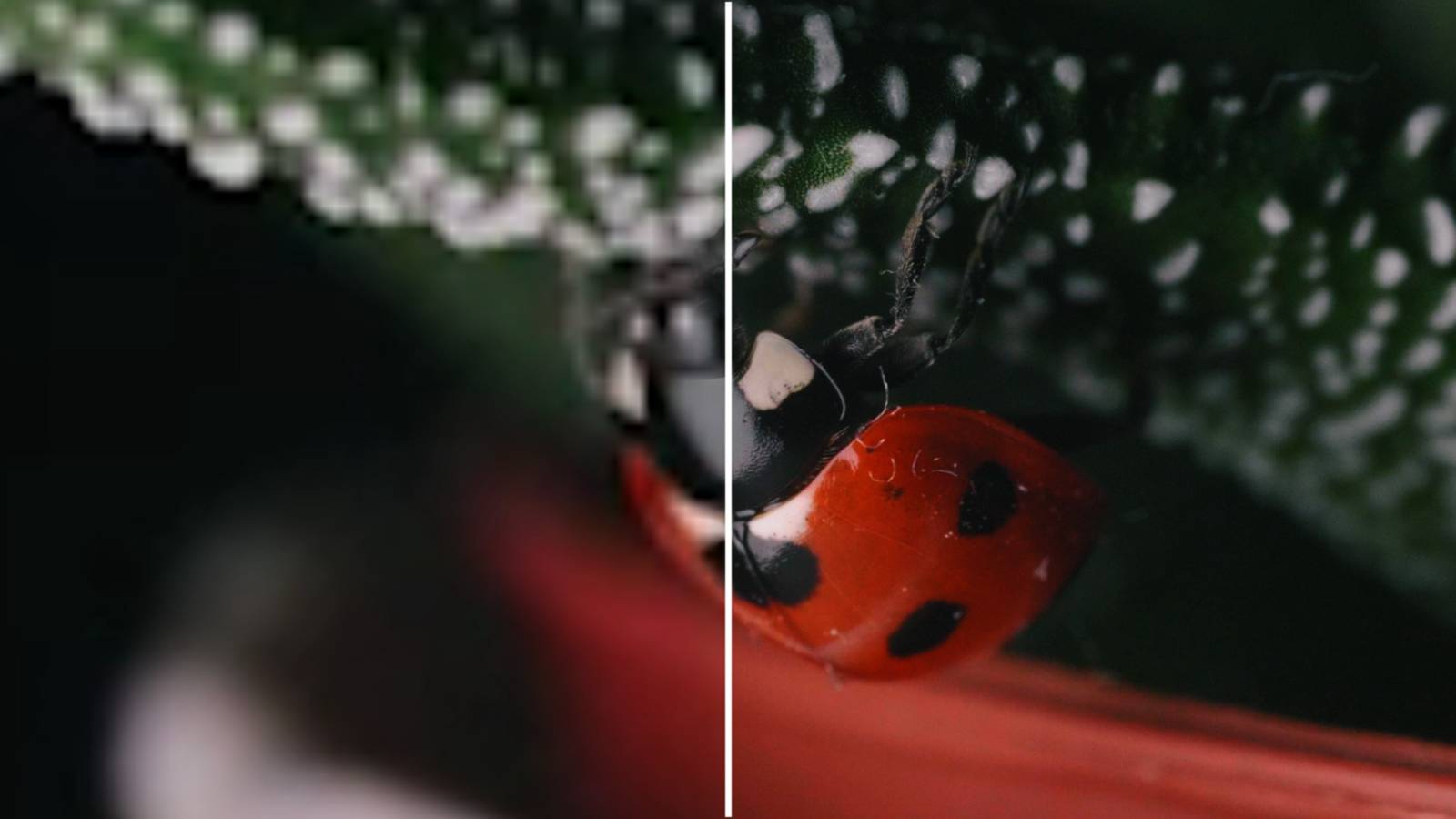
Slowing video in Premiere or After Effects stretches what you shot. 30fps slowed to 25% needs 120 frames per second of data. You don't have that, so it stutters. Frame interpolation fixes this. We generate 4x the frames before you retime, so there's enough data for smooth playback at any speed.
It generates new frames between existing ones. A 100-frame clip becomes 400 frames. That's enough data to retime at any speed without stutter or blending artifacts.
Both. We have Ease In, Ease Out, Ease In-Out, Montage, Hero, and Bullet Time built in. Use them as-is or as a starting point, then adjust with bezier handles if you need more control.
We default to speed curves. Speed curves control how fast the video plays at each moment. Value curves are there if you prefer working that way.
MP4 for direct use, PNG sequence for After Effects. The image sequence gives you the full 4x interpolated frames to work with in your timeline.
Yes. Download as PNG sequence, import into AE. You'll have 4x the frames, so any additional time remapping will be smoother than working with your original footage.
MP4, WebM, MOV input. Up to 300 frames currently (about 10 seconds at 30fps). Output is MP4 or PNG sequence.
Those tools work with the frames you have. If you shot 30fps and want 0.25x slow motion, you need 120fps of data that doesn't exist. They duplicate or blend to fill the gaps. We generate the frames first. Then you retime with actual data.
Yes. AI video tools often output inconsistent frame rates or timing that doesn't match what you need. Time Remap smooths it out and gives you control over pacing. Works well as a finishing step for Veo, Kling, or similar.
That's what speed curves are for. Draw fast sections and slow sections, the video follows. Bullet Time preset does this automatically - normal speed, dramatic slow-down, back to normal.
Speed ramps, smooth slow motion for action or product shots, music video timing, sports highlights. Anywhere you need precise timing control without stutter.
It's the current technical limit. We're working on increasing it. For now, trim to the section you need before uploading.