
StyleFrame

Intelligent Tools Made for Motion

Accelerate your workflow from concept to final render, without compromising creative control.

Popular Tools

Our most powerful creative tools.

Turntable thumbnail

Turntable

Create 360° rotating videos from a single image. No 3D software or physical turntable needed — perfect for products, characters, and e-commerce.

Turntable

Turntable

Create 360° rotating videos from a single image. No 3D software or physical turntable needed — perfect for products, characters, and e-commerce.

Learn More →
3D Pre-Visualization thumbnail

3D Pre-Visualization

Test materials and lighting in minutes instead of hours and create client-ready previews without the render wait.

3D Pre-Viz

3D Pre-Visualization

Test materials and lighting in minutes instead of hours and create client-ready previews without the render wait.

Learn More →
Remove Background thumbnail

Remove Background

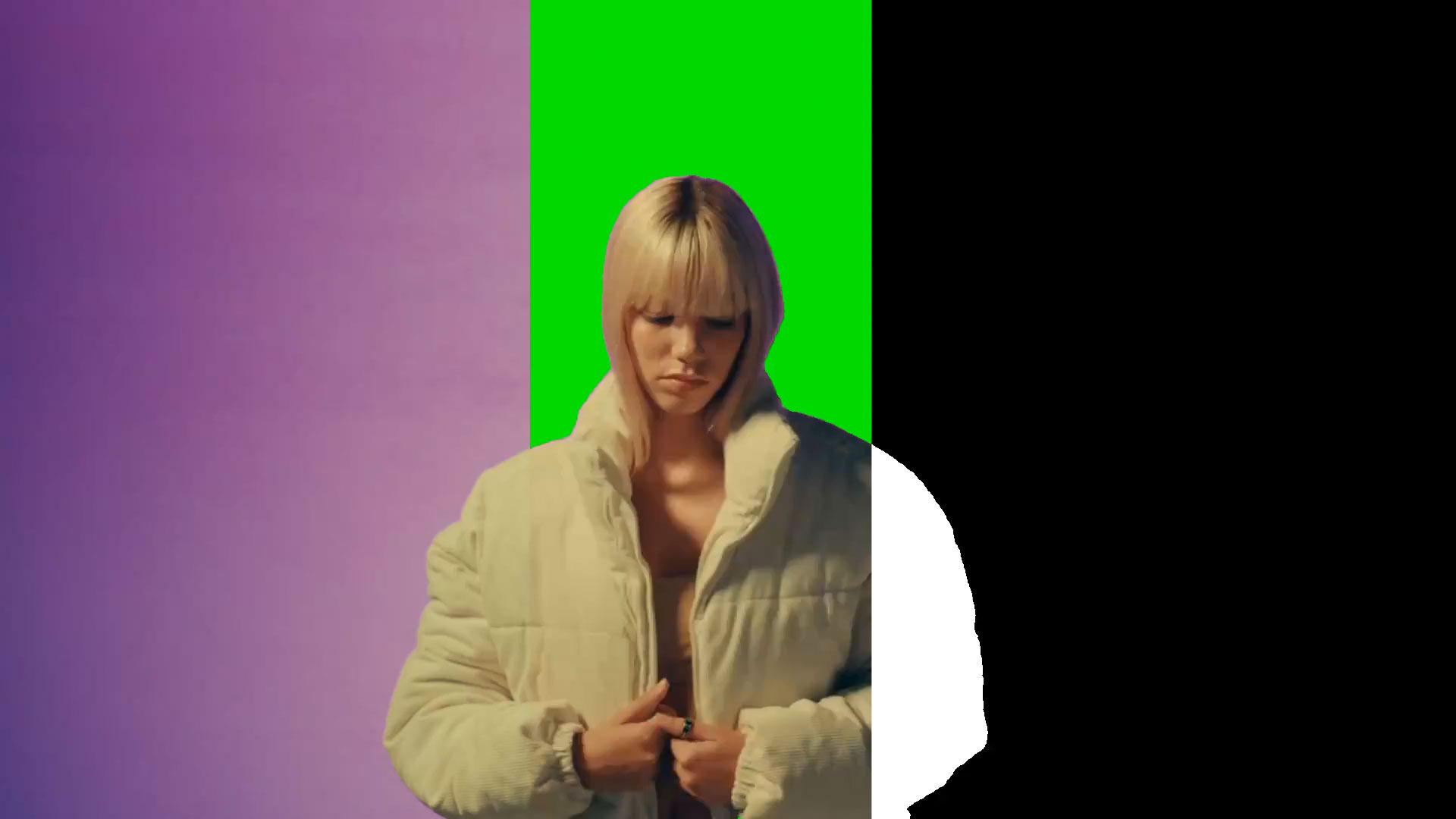
Create clean masks and isolate subjects in seconds. Click to select, StyleFrame tracks and masks through every frame.

Remove Background

Remove Background

Create clean masks and isolate subjects in seconds. Click to select, StyleFrame tracks and masks through every frame.

Learn More →

Create

Generate image and videos from scratch using references or prompts

Generate Video thumbnail

Generate Video

new

Create videos from images using your model of choice. Keyframes, prompt builder, and duration control for art-directable generation.

Generate Video

Generate Video

new

Create videos from images using your model of choice. Keyframes, prompt builder, and duration control for art-directable generation.

Learn More →
Turntable thumbnail

Turntable

Create 360° rotating videos from a single image. No 3D software or physical turntable needed — perfect for products, characters, and e-commerce.

Turntable

Turntable

Create 360° rotating videos from a single image. No 3D software or physical turntable needed — perfect for products, characters, and e-commerce.

Learn More →
Keyframe Tweening thumbnail

Keyframe Tweening

Create smooth animations by generating in-between frames. Upload your start and end frames, StyleFrame generates the motion in between.

Keyframe Tweening

Keyframe Tweening

Create smooth animations by generating in-between frames. Upload your start and end frames, StyleFrame generates the motion in between.

Learn More →

Restyle

Transform the look and feel of an image or video using references

3D Pre-Visualization thumbnail

3D Pre-Visualization

Test materials and lighting in minutes instead of hours and create client-ready previews without the render wait.

3D Pre-Viz

3D Pre-Visualization

Test materials and lighting in minutes instead of hours and create client-ready previews without the render wait.

Learn More →
Ink and Paint thumbnail

Ink and Paint

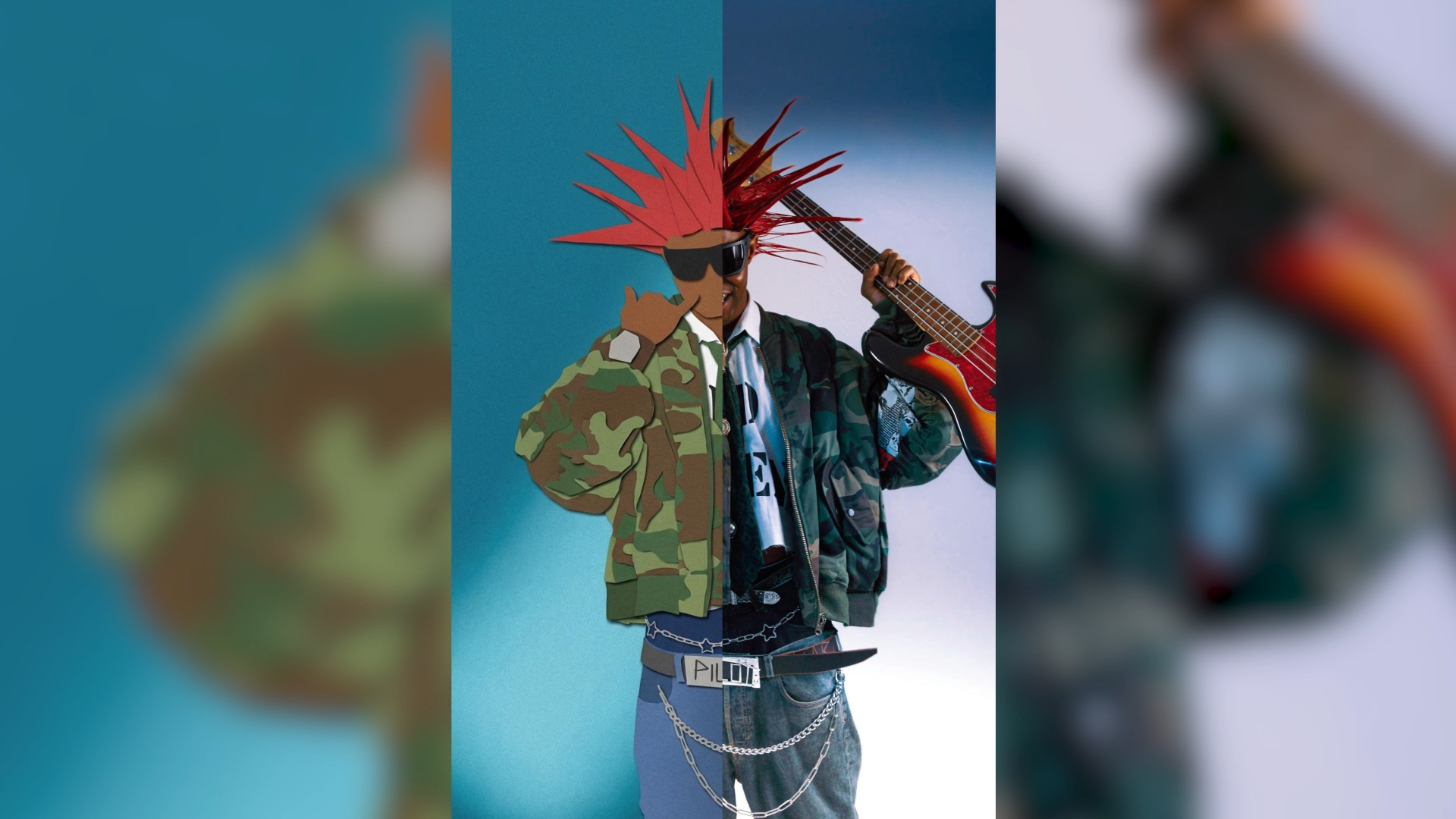
Style and colorize line art animations with reference images in minutes.

Ink and Paint

Ink and Paint

Style and colorize line art animations with reference images in minutes.

Learn More →
Restyle Image thumbnail

Restyle Image

Transform the style of any image using reference images while preserving structure and composition.

Restyle Image

Restyle Image

Transform the style of any image using reference images while preserving structure and composition.

Learn More →

Edit

Make targeted changes to an image or video using references and masks

Edit Image thumbnail

Edit Image

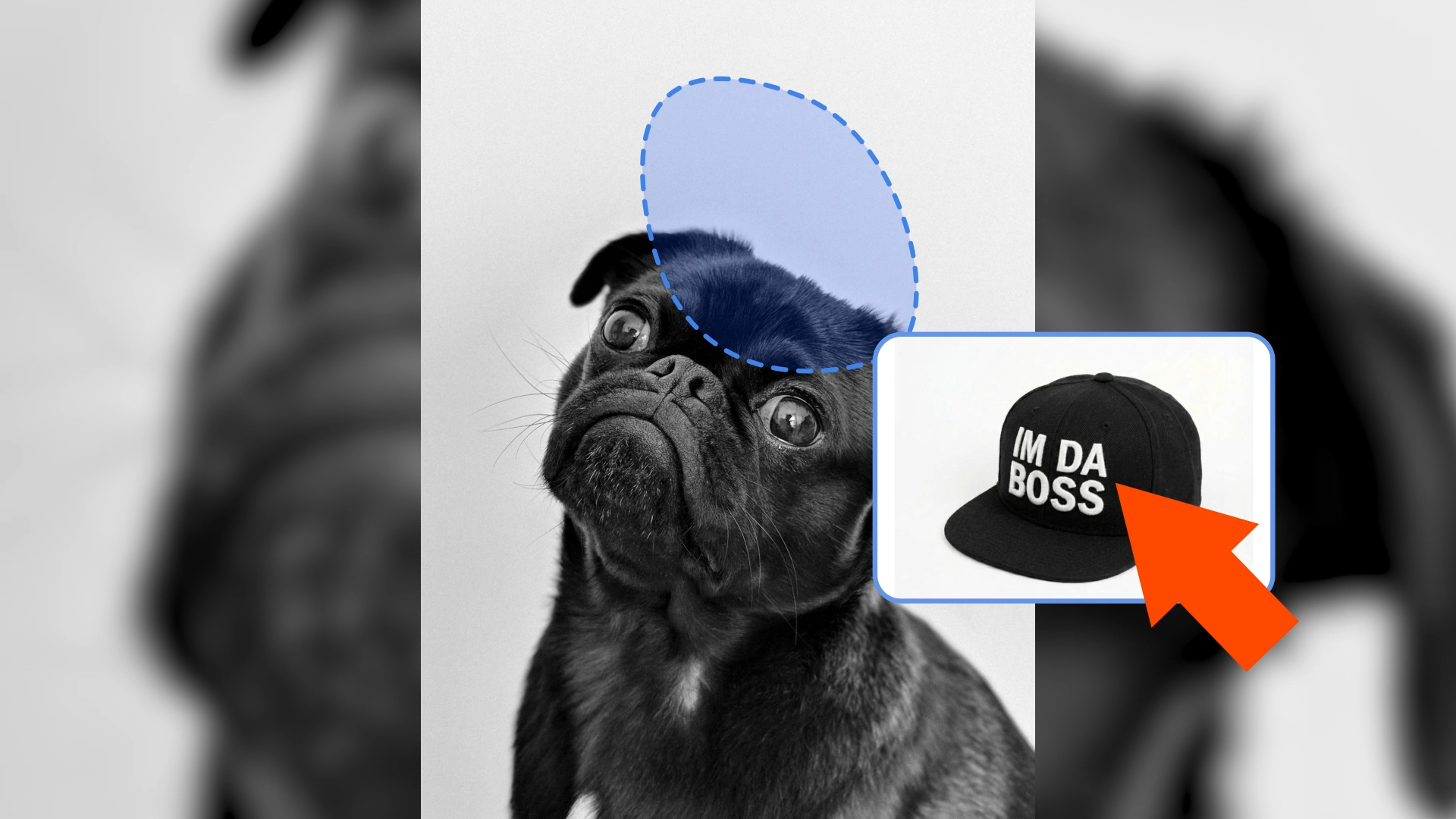
Make targeted edits with natural language. Mask regions and describe changes — add, remove, or modify elements precisely.

Edit Image

Edit Image

Make targeted edits with natural language. Mask regions and describe changes — add, remove, or modify elements precisely.

Learn More →

Quick Actions

Specialized tools for common creative tasks

Remove Background thumbnail

Remove Background

Create clean masks and isolate subjects in seconds. Click to select, StyleFrame tracks and masks through every frame.

Remove Background

Remove Background

Create clean masks and isolate subjects in seconds. Click to select, StyleFrame tracks and masks through every frame.

Learn More →
Time Remap thumbnail

Time Remap

Create cinematic speed ramps and smooth slow motion with 4x frame interpolation. Edit timing curves non-destructively in the web.

Time Remap

Time Remap

Create cinematic speed ramps and smooth slow motion with 4x frame interpolation. Edit timing curves non-destructively in the web.

Learn More →
Upscaler thumbnail

Upscaler

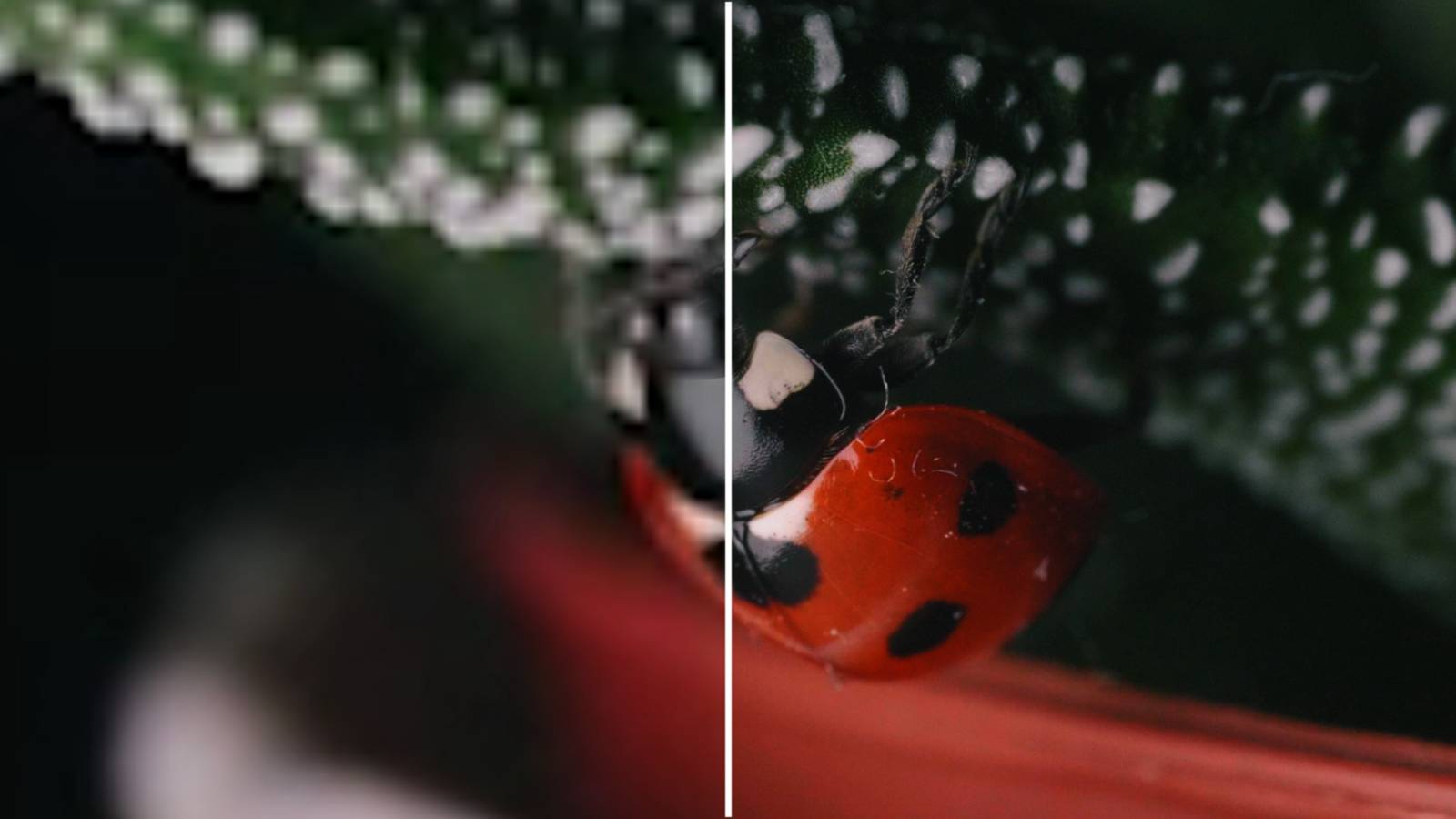
Increase video and image resolution with AI. Clean up output for final delivery.

Upscaler

Upscaler

Increase video and image resolution with AI. Clean up output for final delivery.

Learn More →

Frequently Asked Questions

How is StyleFrame different from other AI video tools?

StyleFrame is built for professisonal artists, not just AI hobbyists — with full creative control, professional-quality output, and seamless integration with animation tooling

Does StyleFrame train AI on my input videos and images?

No! We do not train on any input video or image data. All of that data is private to you and your organization.

What video formats and specifications should I use?

We recommend MP4 or MOV format for uploads. We support any aspect ratio to fit your project needs. Videos are internally processed at either 720p or 1080p based on your selected output resolution.

How long do renders take?

Render times vary based on video length, resolution, and file size. Larger files and higher resolutions will take longer to process. Typical videos take anywhere from 1-5 mins to complete

Is there an After Effects script / plugin?

Yes! We are currently building our After Effects plugin. Contact us if you are interested in early access!

Can I use the output video for commerical purposes?

Yes! Under any paid plan the user owns all the output content and can use any of it comercially.

Do you offer an API service for your tools?

Yes! We provide enterprise customers with API access, so that they can build custom workflows around StyleFrame's tools.

CareersContactPrivacy PolicyTerms of Service

Copyright 2026 - All right reserved by StyleFrame

StyleFrame
Log In
    Log In