Turntable
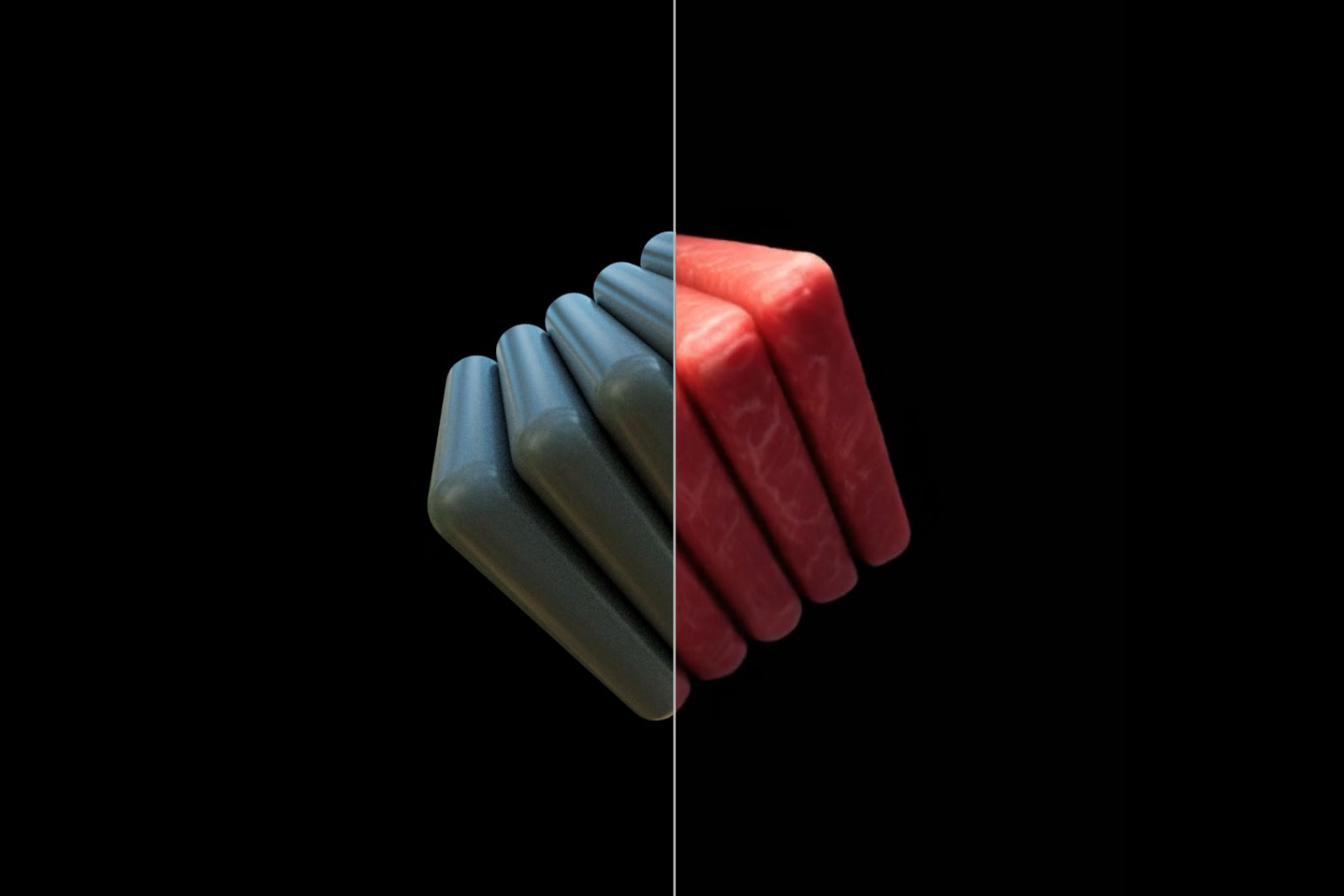
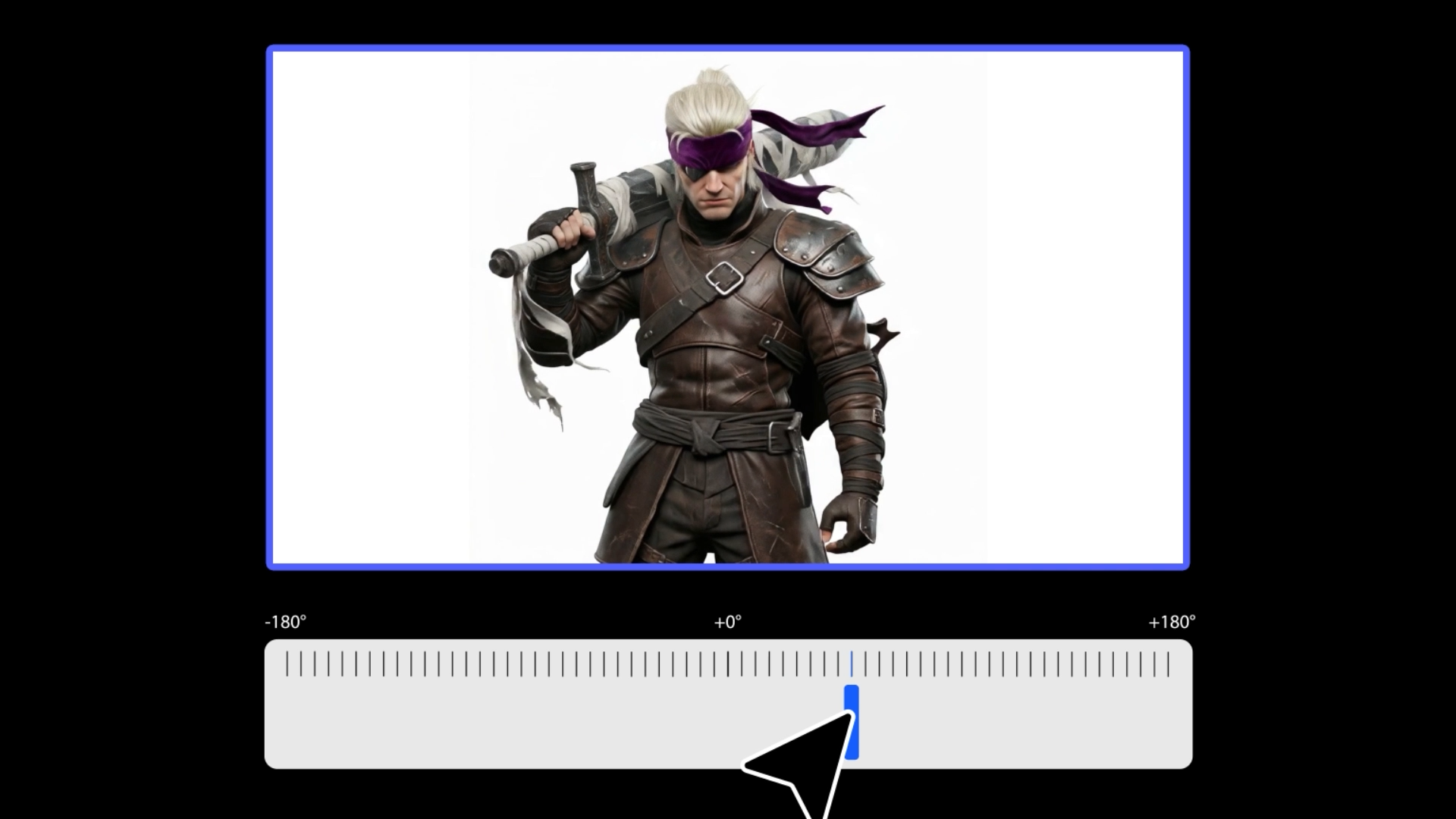
Create 360° rotating videos from a single image. No 3D software or physical turntable needed — perfect for products, characters, and e-commerce.
Learn More
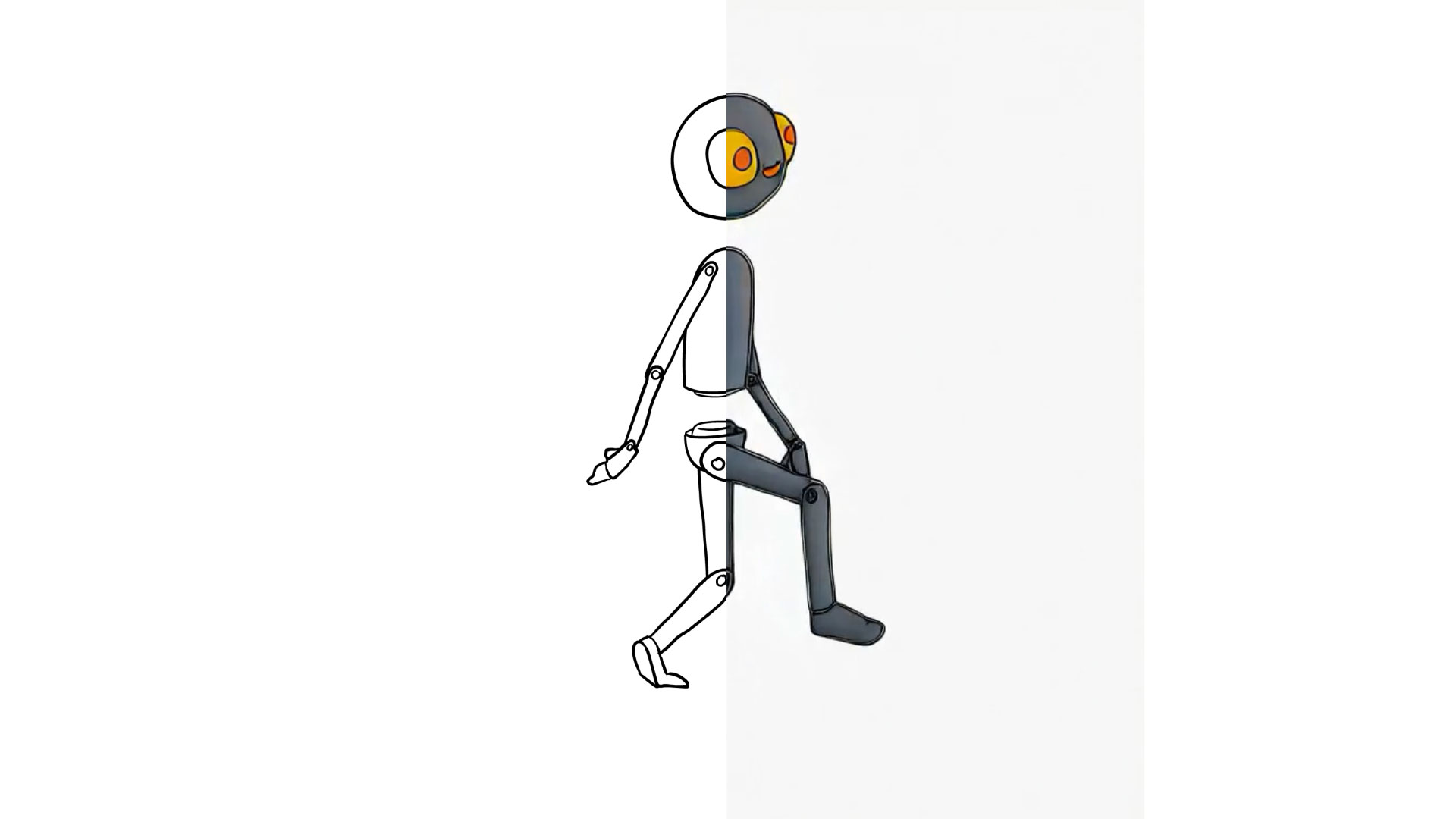
Accelerate your workflow from concept to final render,
without compromising creative control.
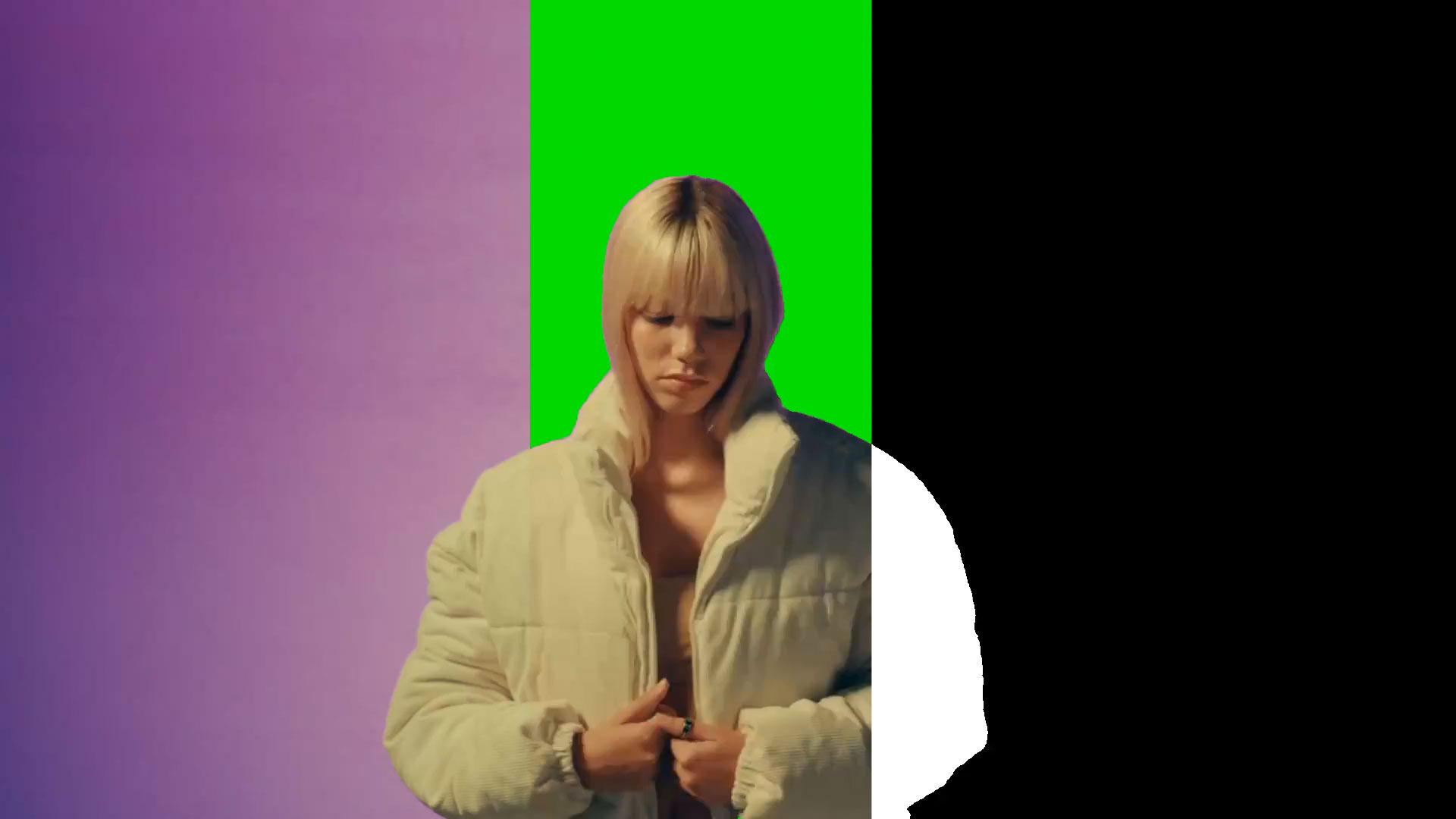
Our most powerful creative tools.
StyleFrame is built for professisonal artists, not just AI hobbyists — with full creative control, professional-quality output, and seamless integration with animation tooling
No! We do not train on any input video or image data. All of that data is private to you and your organization.
We recommend MP4 or MOV format for uploads. We support any aspect ratio to fit your project needs. Videos are internally processed at either 720p or 1080p based on your selected output resolution.
Render times vary based on video length, resolution, and file size. Larger files and higher resolutions will take longer to process. Typical videos take anywhere from 1-5 mins to complete
Yes! We are currently building our After Effects plugin. Contact us if you are interested in early access!
Yes! Under any paid plan the user owns all the output content and can use any of it comercially.
Yes! We provide enterprise customers with API access, so that they can build custom workflows around StyleFrame's tools.